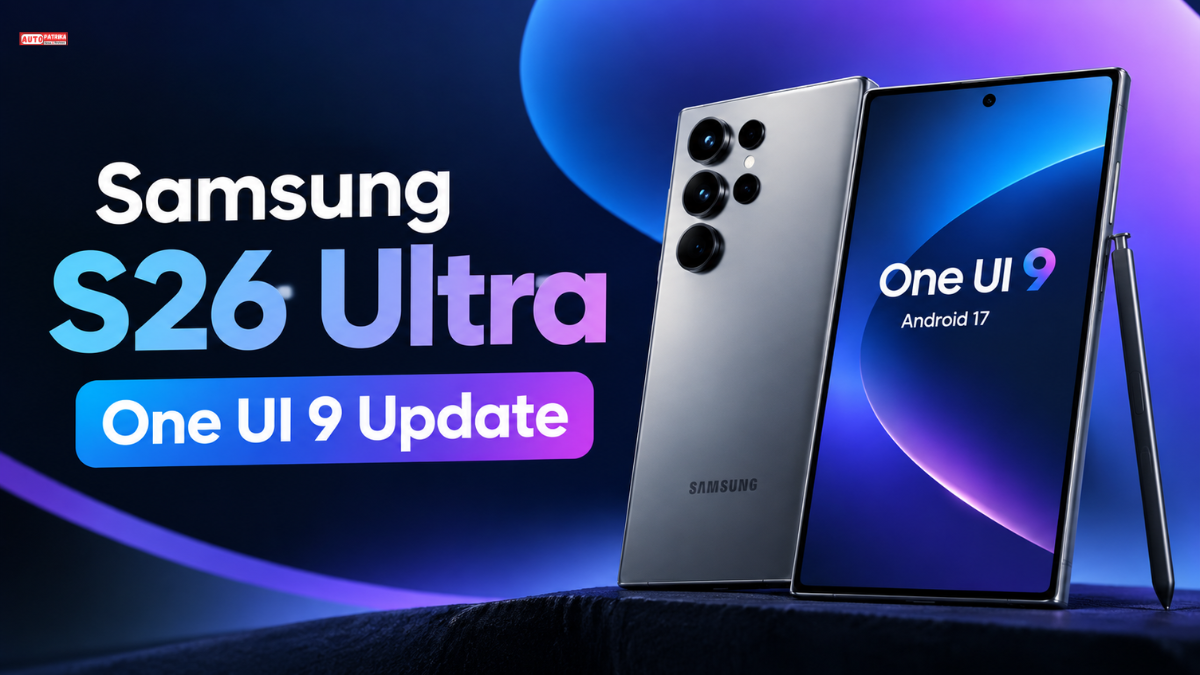
S26 Ultra One UI 9 update full details, new features, Android 17, Galaxy phones getting the update, beta list, and stable rollout.
S26 Ultra One UI 9 Update: New Features, Android 17, and All Samsung Galaxy Phones Getting the Update
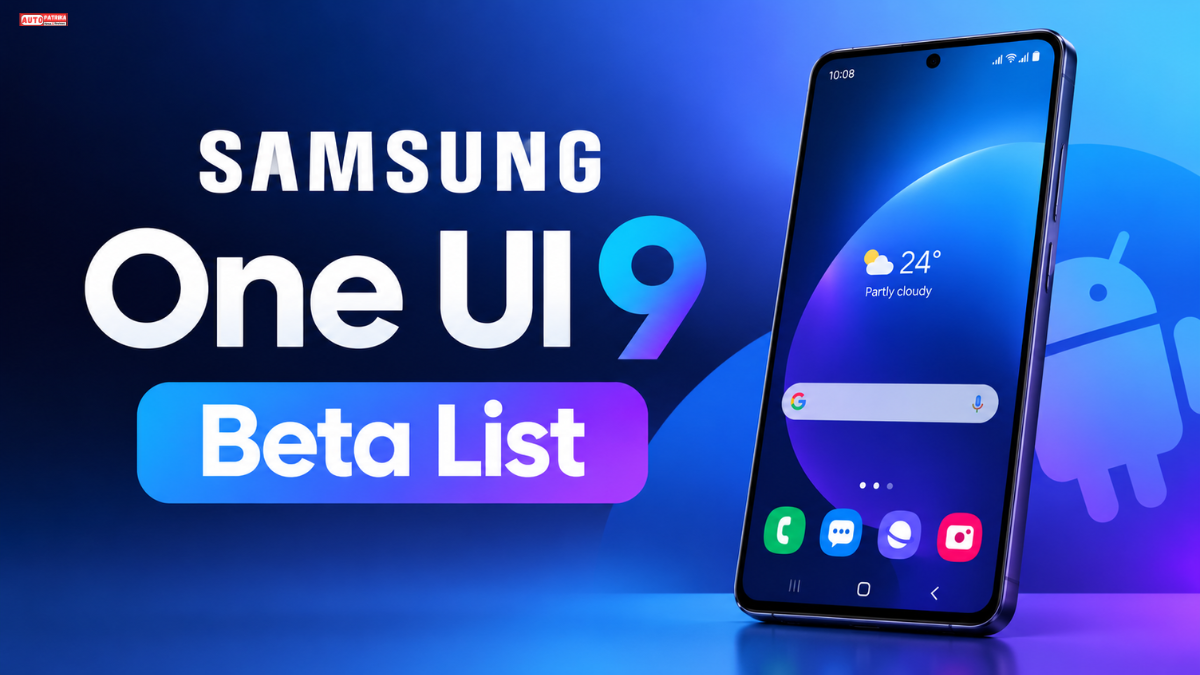
The S26 Ultra One UI 9 update is an important software release for Samsung Galaxy S26 Ultra users. It is not just a visual refresh. The update brings changes to Galaxy AI, security, customization, and everyday smartphone usability.
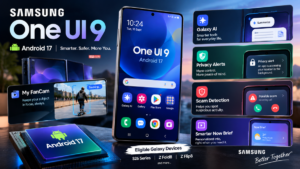
Samsung began rolling out the stable Android 17-based S26 Ultra One UI 9 for the Galaxy S26 series on September 16, 2026. The rollout started in South Korea, while other markets are following their own schedules.

Another notable development is the expansion of Samsung’s beta testing program. The company has reportedly extended testing to older flagship phones, foldable devices, and more affordable Galaxy A-series smartphones. Several models from the Galaxy S25, S24, and S23 families are also participating in the beta program.
In this article, we will look at what’s new in One UI 9 on the Galaxy S26 Ultra, which Samsung phones are testing the update, how the stable rollout is progressing, and how to check for the update on your device.
S26 Ultra One UI 9 Update: Key Details at a Glance
Information | Details |
|---|---|
Software | Samsung One UI 9 |
Android Version | Android 17 |
Featured Phone | Galaxy S26 Ultra |
Stable Rollout Begins | September 16, 2026 |
Initial Market | South Korea |
US Availability | Rollout reportedly started on select carriers |
Key Features | Galaxy AI, Now Brief, Now Nudge, My FanCam |
Beta Program | Through the Samsung Members app |
India Availability | Varies by region and device |
Update Type | Stable update and beta builds |
Stable update availability may vary depending on the country, carrier, and device. A phone being listed in the beta program does not necessarily mean that its stable update has already been released.
What’s New in S26 Ultra One UI 9?
One UI 9 focuses on making Galaxy smartphones more personalized, convenient, and secure. Samsung has introduced new Galaxy AI experiences alongside changes to the interface and everyday smartphone features.
1. Galaxy AI and Smarter Assistance
Galaxy AI continues to evolve in One UI 9, with a greater emphasis on context-aware experiences. The goal is to provide useful suggestions based on what users are doing and the information available on their devices.
However, not every AI feature will be available on every Galaxy phone. Some features may depend on the device’s capabilities, language, and region.
2. Now Brief: Personalized Information at a Glance
Now Brief is designed to bring useful information and personalized suggestions together in one place. It can display customizable cards based on a user’s routine and preferences.
In One UI 9, the experience also focuses on presenting security and privacy-related information in a more useful way, helping users stay informed about potential risks and important precautions.
3. Now Nudge: Helpful Suggestions at the Right Time
Now Nudge is designed to provide more context-aware suggestions while using a smartphone.
Its purpose is to reduce the need to switch between apps repeatedly and make relevant information easier to access during everyday tasks.
The actual suggestions and availability may depend on the device and software support.
4. My FanCam: A New Tool for Video Creators
My FanCam is one of the new AI-powered camera features associated with One UI 9.
It helps keep a selected person in focus in a video and can reframe footage into different aspect ratios. This may make it easier to prepare videos for social media platforms.
The feature could be particularly useful for people who create videos for Instagram Reels, YouTube Shorts, and other social platforms.
5. New Creative Tools in Samsung Notes
Samsung Notes also receives additional creative options in One UI 9.
Some of the reported changes include:
Decorative tape-style elements for notes.
More pen-line style options.
Additional tools for personalizing notes and handwritten content.
These changes may be useful for people who regularly write notes, sketch, or organize information on their phones.
6. More Quick Panel Customization
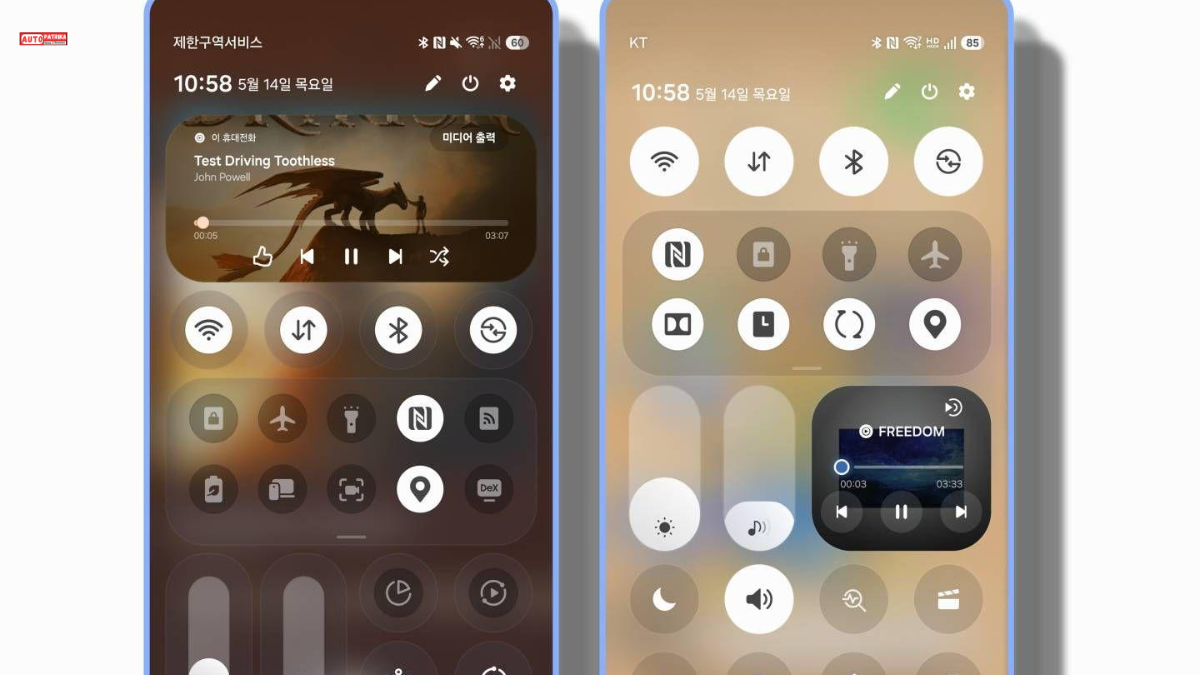
One UI 9 introduces additional options for organizing the Quick Panel according to personal preferences.
Feature | What It Offers |
|---|---|
Brightness Control | A separate brightness adjustment option |
Sound Control | Independent volume control |
Media Player | More flexibility in arranging media controls |
Panel Layout | Additional Quick Panel layout options |
Size Options | Ability to resize certain controls |
These changes are intended to make frequently used controls easier to access.
7. Improvements to Security and Privacy
One UI 9 includes additional security measures related to suspicious apps and potential threats.
According to the reported feature details, the system may warn users about certain high-risk apps, restrict their installation or execution in specific circumstances, and suggest removing them.
The update also focuses on making device security and privacy information easier to understand.
8. Accessibility Improvements
S26 Ultra One UI 9 includes additional accessibility options designed to make Galaxy phones easier to use.
Reported changes include:
Adjustable Mouse Keys speed.
Improvements to the TalkBack experience.
Text Spotlight, which helps make selected text more visible.
These features may be particularly useful for users who need additional support when reading text or navigating their phones.
Galaxy S26 Ultra with One UI 9: What Can Users Expect?
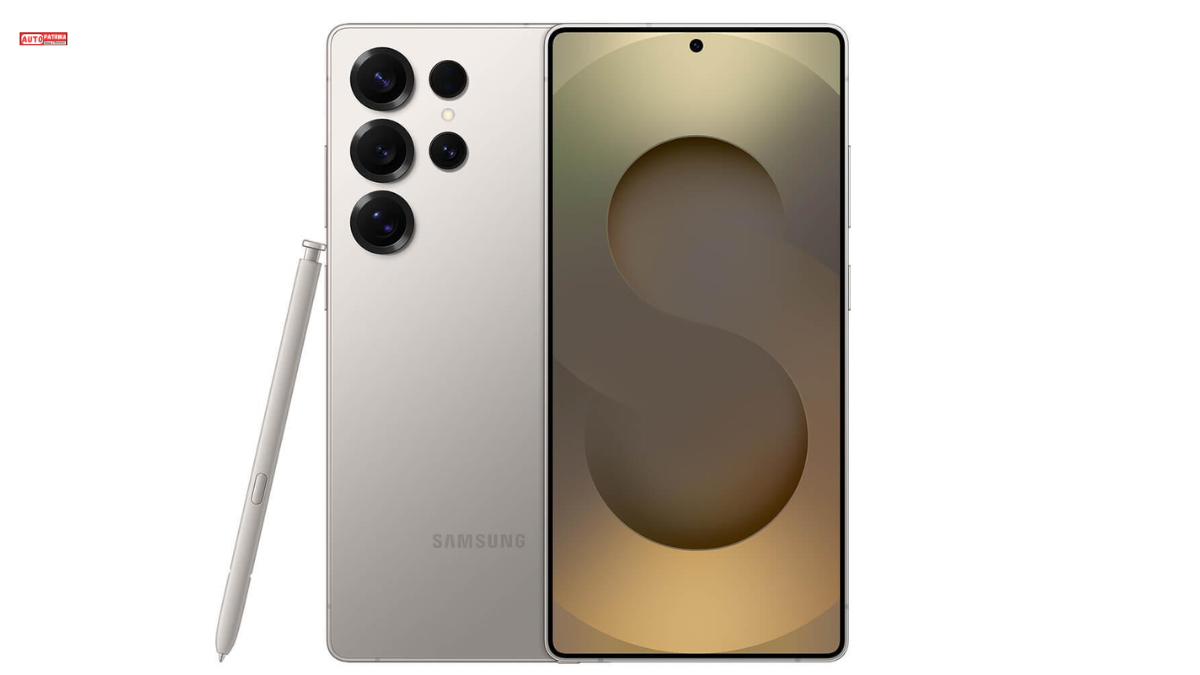
The Galaxy S26 Ultra is part of Samsung’s flagship lineup, making the new software experience particularly relevant for its users.
With S26 Ultra One UI 9, users can access supported Galaxy AI features, a more customizable Quick Panel, new Samsung Notes tools, and enhanced security experiences.
Potential Benefits for Everyday Use
Use Case | Potential Benefit |
|---|---|
Video Recording | My FanCam can help keep a selected person in focus and reframe footage |
Viewing Information | Personalized cards through Now Brief |
Smart Suggestions | Context-aware assistance through Now Nudge |
Taking Notes | New creative tools and pen styles |
Phone Customization | More Quick Panel options |
Security | Additional warnings and protective measures against potential risks |
These are software features. They do not automatically change the phone’s processor, camera hardware, or battery capacity.
Samsung One UI 9 Update: Which Phones Are Getting It?
It is important to understand the difference between phones participating in beta testing and those that have received the stable update. Samsung’s stable rollout reportedly began with the Galaxy S26 series. Meanwhile, the company expanded its One UI 9 beta program in September to include the Galaxy S25 series, Galaxy Z Fold 7, and Galaxy Z Flip 7.
1. Galaxy S Series: Phones Included in Beta Testing
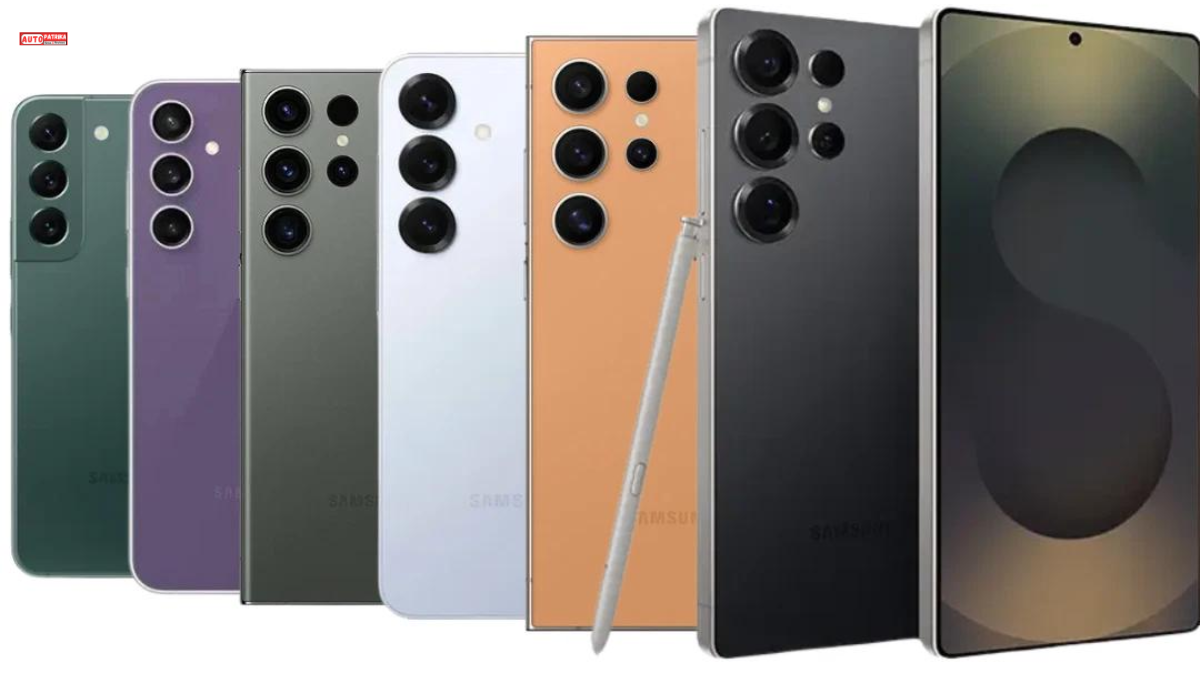
The following Galaxy S-series phones have been reported as participants in the public beta program. This does not mean that every model has already received the stable update.
Phone | Reported Status |
|---|---|
Galaxy S26 | Beta testing; stable rollout started |
Galaxy S26+ | Beta testing; stable rollout started |
Galaxy S26 Ultra | Beta testing; stable rollout started |
Galaxy S25 | Public beta |
Galaxy S25+ | Public beta |
Galaxy S25 Ultra | Public beta |
Galaxy S25 FE | Public beta |
Galaxy S24 | Public beta |
Galaxy S24+ | Public beta |
Galaxy S24 Ultra | Public beta |
Galaxy S24 FE | Public beta; Beta 2 reported |
Galaxy S23 | Public beta |
Galaxy S23+ | Public beta |
Galaxy S23 Ultra | Public beta |
The Galaxy S23 series has reportedly received a second beta build in some markets. The Galaxy S24 FE has also reportedly progressed to Beta 2.
2. Galaxy Z Series: Foldable Phones in the Beta List
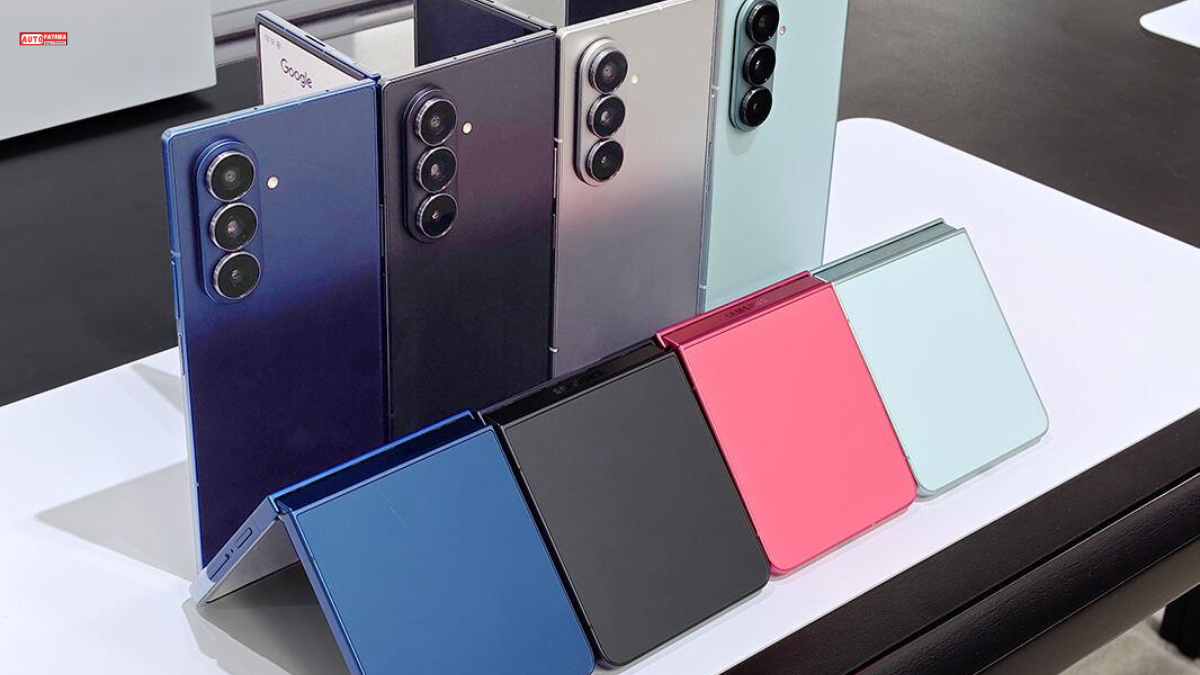
Samsung’s foldable smartphones are also part of the One UI 9 testing program.
Phone | Reported Status |
|---|---|
Galaxy Z Fold 7 | Public beta |
Galaxy Z Flip 7 | Public beta |
Galaxy Z Fold 6 | Public beta |
Galaxy Z Flip 6 | Public beta |
The inclusion of the Galaxy Z Fold 6 and Z Flip 6 is notable because Samsung has extended testing beyond its newest foldable generation.
3. Galaxy A Series: Budget and Mid-Range Phones in the Beta List
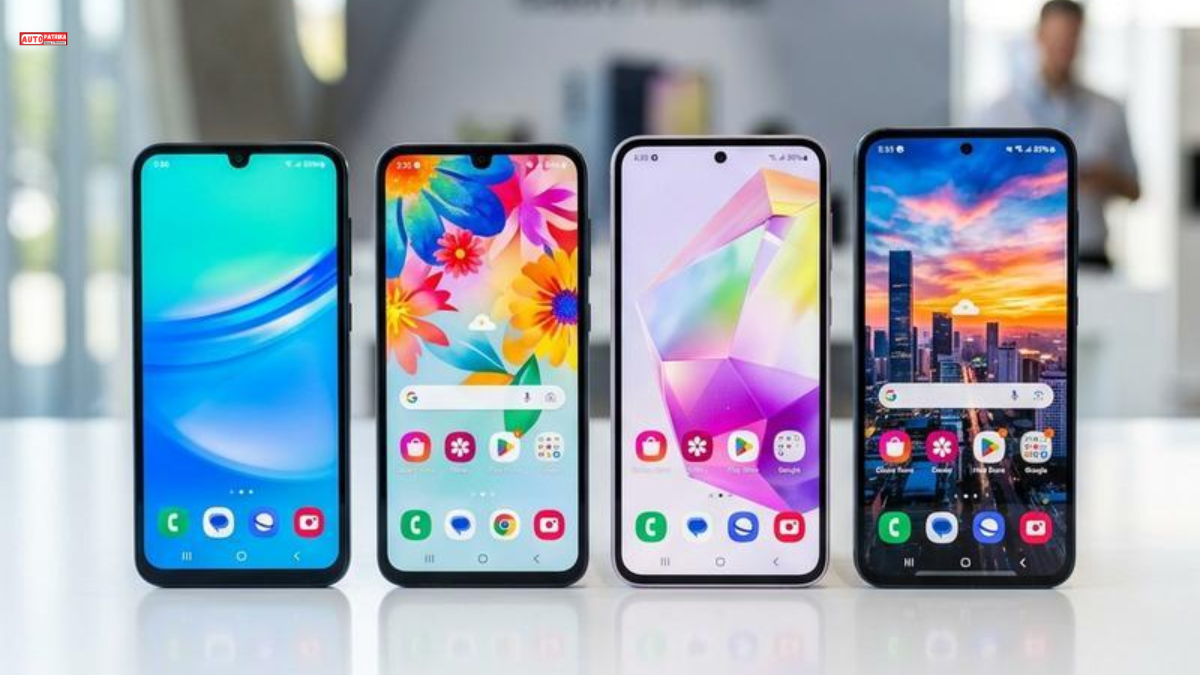
Several Galaxy A-series devices have also reportedly joined the public beta program.
Phone | Reported Status |
|---|---|
Galaxy A57 | Public beta |
Galaxy A56 | Public beta |
Galaxy A55 | Public beta |
Galaxy A36 | Public beta |
Galaxy A35 | Public beta |
Galaxy A25 | Public beta |
Galaxy A15 5G | Public beta |
The Galaxy A15 5G reportedly received its first public One UI 9 beta in India on September 22, 2026.
The update package is reported to be around 2.76GB and includes the September 2026 security patch.
4. What About the Galaxy A07 and Galaxy M34?
The Galaxy A07 and Galaxy M34 have also reportedly appeared in Samsung’s internal One UI 9 development process.
However, the available information does not confirm public beta enrollment for either device.
The Galaxy A16 5G has also been mentioned as a possible future beta participant, but it should not be included in the confirmed public beta list without an official enrollment announcement.
S26 Ultra One UI 9 Stable Update: Which Phones Have Received It?
The stable rollout is more limited than the beta testing list.
According to the reported information available for September 2026, the stable rollout began with the Galaxy S26 series in South Korea.
Phone | Region | Stable Update Status |
|---|---|---|
Galaxy S26 | South Korea | Rollout began September 16 |
Galaxy S26+ | South Korea | Rollout began September 16 |
Galaxy S26 Ultra | South Korea | Rollout began September 16 |
Galaxy S26 Series | United States, T-Mobile | Rollout reportedly began September 23 |
Other Galaxy Models | Different markets | Stable availability needs to be checked separately |
The stable update began rolling out in South Korea on September 16. Reports also indicate that the Galaxy S26 series started receiving the update through T-Mobile in the United States on September 23.
Important: Galaxy S26 Ultra users in India should check their phone’s software update settings to confirm availability. Being part of the beta program does not mean that the stable update has already been released.
How to Check for the S26 Ultra One UI 9 Update in India and the USA
Update availability in India and the United States can vary depending on the phone model, region, and carrier.
Samsung has reportedly included India and the US among the selected markets for its beta program.
How to Check for the Stable Update
Open Settings on your Samsung Galaxy phone.
Go to Software update.
Tap Download and install.
Your phone will check for available updates.
If One UI 9 is available, follow the on-screen instructions.
If the update does not appear, it may not have been released for your model or region yet.
How to Join the Samsung S26 Ultra One UI 9 Program
If the beta program is available for your phone and region, you may be able to enroll through the Samsung Members app.
Steps to Install the Beta
- Open the Samsung Members app and sign in with your Samsung Account.
- Look for the One UI 9 Beta Program banner or Beta Card on the home screen.
- Follow the registration instructions to complete enrollment.
- Go to Settings → Software update → Download and install.
- If a beta build is available for your device, download and install it.
A Samsung Account is required to enroll in the beta program. Backing up your data before installation is also recommended.
Things to Know Before Installing the Beta
Beta software may contain bugs or app compatibility issues.
Battery consumption and performance may change.
Back up your data before installing the update.
Avoid manually installing firmware intended for another region.
Returning from beta software to a stable version may require a data reset.
It is worth understanding these risks before installing beta software on your primary phone.
Will Every Galaxy Phone Get the Same S26 Ultra One UI 9 Features?
No. Even when multiple phones run the same One UI version, not every feature is necessarily available on every device.
Some features depend on hardware capabilities, Galaxy AI support, region, language, and app version. Therefore, it would be incorrect to assume that the Galaxy A15 5G will offer the same complete experience as the Galaxy S26 Ultra.
S26 Ultra One UI 9 Feature | Factors Affecting Availability |
|---|---|
Galaxy AI | Device, language, and region |
My FanCam | Camera and software support |
Now Brief | Device and supported services |
Now Nudge | Device and software support |
Quick Panel | Model and software version |
Accessibility Features | Operating system and device support |
After installing the update, check the feature list and settings available on your specific phone.
S26 Ultra One UI 9 FAQs
1. When did the S26 Ultra One UI 9 update arrive?
Samsung began the stable One UI 9 rollout for the Galaxy S26 series in South Korea on September 16, 2026. Availability in other markets may vary.
2. Which Android version is Samsung S26 Ultra One UI 9 based on?
One UI 9 is based on Android 17.
3. What are the new features in S26 Ultra One UI 9 on the Galaxy S26 Ultra?
The update includes supported Galaxy AI experiences, Now Brief, Now Nudge, My FanCam, new Samsung Notes tools, Quick Panel customization, and security improvements.
4. Has the Galaxy S25 Ultra received the One UI 9 update?
The Galaxy S25 Ultra is included in the reported public One UI 9 beta program. Stable update availability needs to be checked separately.
5. Will the Galaxy S24 Ultra and S23 Ultra get One UI 9?
Both phones are included in the reported public beta testing list. Their stable update schedules depend on Samsung’s rollout plans.
6. Has the Galaxy A15 5G received the One UI 9 beta?
Yes. The Galaxy A15 5G reportedly received its first public beta in India on September 22, 2026.
7. Have the Galaxy A07 and Galaxy M34 received the One UI 9 beta?
Both phones have reportedly appeared in internal testing, but public beta enrollment has not been confirmed.
8. How can I download the S26 Ultra One UI 9 update in India?
Go to Settings → Software update → Download and install to check for the stable update. For beta enrollment, check the Samsung Members app.
9. Is the One UI 9 beta safe to install?
Beta software may contain bugs or cause data-related issues. Backing up your data before installation is recommended.
10. Will One UI 9 improve battery life and performance?
A software update alone does not guarantee better battery life or performance. The actual experience depends on the device and usage conditions.
Conclusion: S26 Ultra One UI 9 Update
Samsung One UI 9 is a major software update based on Android 17, bringing changes to Galaxy AI, customization, camera experiences, and security.
For Galaxy S26 Ultra users, the update introduces new AI-powered features and an updated software experience. Meanwhile, the inclusion of Galaxy S25, S24, S23, and several Galaxy A-series devices in beta testing shows Samsung’s broader approach to software development.
The most important thing to remember is the difference between a beta release and a stable update. Check Samsung Members and your phone’s Software Update settings to see whether the update is available for your device.
For users who depend on their phones for everyday work, waiting for the stable release may be a practical choice.
Read More
Samsung One UI 9 Beta List: All Galaxy Phones Testing Android 17
Samsung Galaxy S27 Pro Leak: 200MP Camera, 5,200mAh Battery and 60W Charging
Realme 16 Pro Harry Potter Edition Is Here: Hogwarts Design, 200MP Camera and 7,000mAh Battery
Realme 16 Pro: 200MP Camera, 7,000mAh Battery, 144Hz AMOLED and Price
Salesforce in 2026: Agentforce, AIforce and the New AI-Powered CRM Era